D2D

How to prepare for your onboarding call

Five things to set up so we can finish your onboarding in one call. Do these from the computer you will join on, then pick a time.

15 min to complete5 stepsUse a computer, not a phone

Set up your computer

Onboarding cannot be completed from a tablet or phone. You will be logging into several accounts and sharing your screen.

  1. Use a laptop or desktop with a working microphone and camera.
  2. Make sure your internet connection is stable.
  3. Open a web browser. Chrome, Safari, Firefox, Edge, or Opera all work.
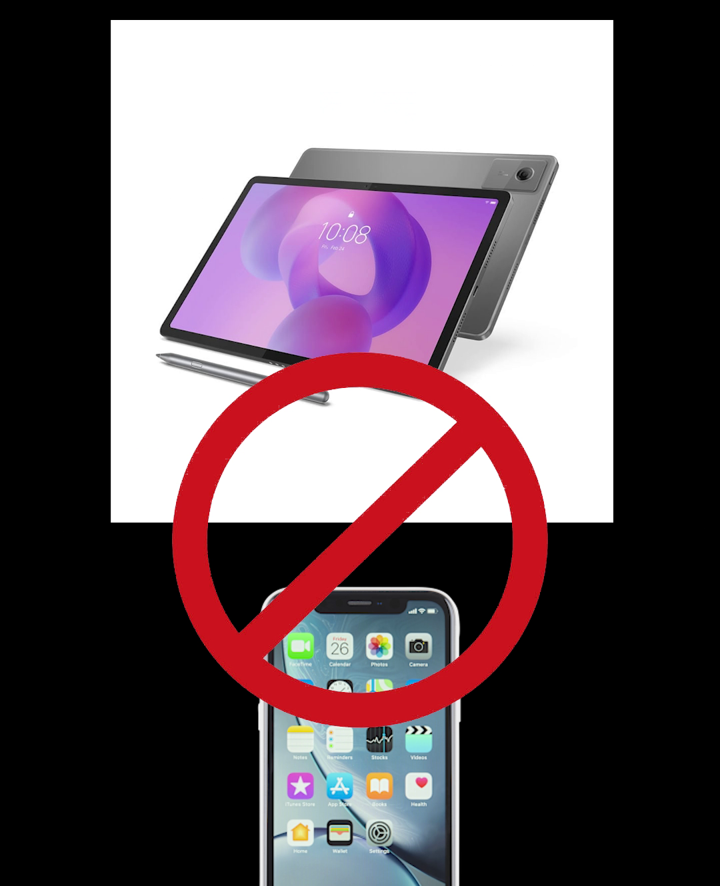
A tablet and phone crossed out
Join from a computer. Tablets and phones will not work for onboarding.
Chrome, Safari, Firefox, Opera and Edge icons
Any of these browsers is fine.
Step 1 of 5